Filament Diameter Tolerance Explained, and Why ±50 µm Matters
Why small changes in filament diameter cause under- and over-extrusion, how diameter is measured and controlled, and how to choose a diameter for your printer.
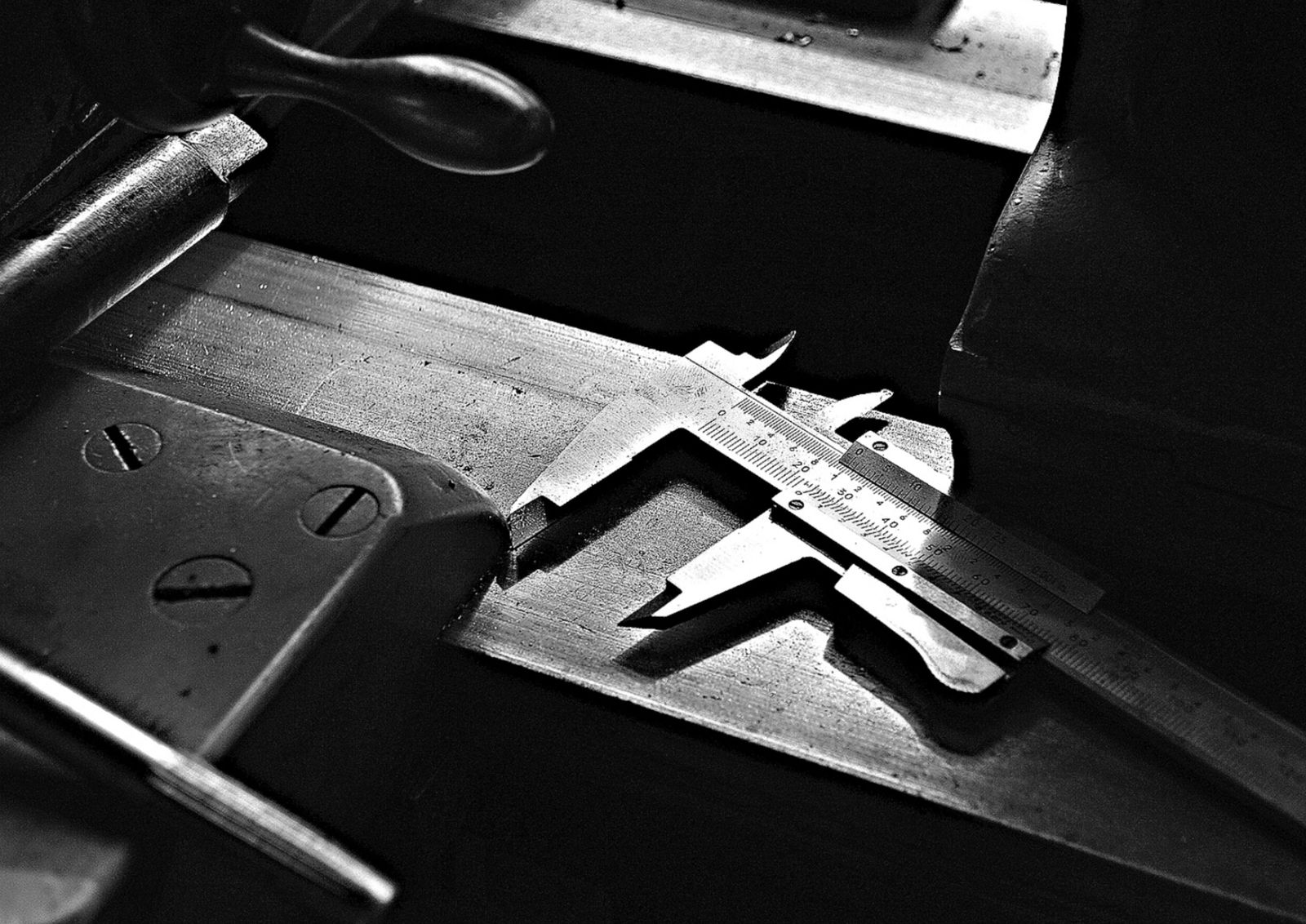
A 3D printer pushes filament by length and assumes a fixed diameter, so any change in diameter changes how much plastic is deposited. On 1.75 mm filament, a ±0.05 mm variation changes the cross-section by roughly ±6%. ASTER-C measures the pulled strand with a Hall-effect sensor and holds diameter to ±50 µm.
Key takeaways
- Printers meter filament by length, not volume, so diameter drives flow.
- Flow scales with the square of diameter, so small changes add up.
- The same ±0.05 mm matters more on 1.75 mm filament than on 2.85 mm.
- Diameter is set by the pull speed after extrusion and checked by a sensor.
- ASTER-C makes any diameter from 0.5 mm to 3 mm, held to ±50 µm.
Diameter is the property of filament that printers notice most. Two spools of the same polymer can print very differently if one holds its diameter and the other wanders.
Why diameter matters
An FDM printer does not measure how much plastic it deposits. It pushes a set length of filament and calculates the volume from the diameter you told the slicer. If the real diameter changes, so does the volume:
- Thicker filament deposits more plastic than expected, causing over-extrusion, blobs and dimensional errors.
- Thinner filament deposits less, causing gaps, weak layers and under-extrusion.
Because volume depends on the cross-sectional area, it scales with the square of the diameter. Small diameter changes become larger flow changes.
What ±50 µm means in practice
Here is what a ±0.05 mm variation does to the cross-section at the two common sizes:
| Nominal diameter | Range at ±0.05 mm | Change in cross-section |
|---|---|---|
| 1.75 mm | 1.70 to 1.80 mm | about −6% to +6% |
| 2.85 mm | 2.80 to 2.90 mm | about −3.5% to +3.5% |
The same absolute tolerance is a smaller share of a larger diameter, so 2.85 mm filament is a little more forgiving of the same variation.
How diameter is set and measured
Diameter is not fixed by the die alone. As the melt leaves the die, the strand is pulled by drive rollers. Pulling faster draws it thinner; pulling slower lets it stay thicker. Holding diameter steady means holding the balance between extrusion rate and pull speed, and measuring the result.
ASTER-C uses a Hall-effect sensor that reads the diameter of the pulled strand, holding accuracy to ±50 µm. Consistent feeding, steady temperatures across the four heating zones and even cooling all help. Anything that makes the melt flow unevenly shows up as diameter variation.
Choosing a diameter
Use whatever your printer is built for. ASTER-C makes any diameter from 0.5 mm to 3 mm, user-definable across the whole range, with 1.75 mm and 2.85 mm as the typical sizes. Diameters outside those two are useful for specialised tools, testing rigs or research setups.
Getting consistent diameter on your own runs
- Feed small, consistent pieces so the screw is never starved.
- Dry moisture-sensitive polymers; moisture can cause bubbles that upset the strand.
- Let temperatures stabilise before you start spooling.
- Use the CSV log from the PC interface to spot drift and compare settings between runs.
Frequently asked questions
What does filament diameter tolerance mean?
It is how far the actual diameter can vary from the nominal size along the spool. A ±0.05 mm tolerance on 1.75 mm filament means it should stay between 1.70 and 1.80 mm.
Why does filament diameter affect print quality?
The printer feeds a set length of filament and calculates volume from the nominal diameter. Thicker sections deposit too much plastic and thinner sections too little, causing over- and under-extrusion.
Should I make 1.75 mm or 2.85 mm filament?
Make whichever your printer takes. Both are typical outputs on ASTER-C. A fixed tolerance is a smaller percentage of the larger diameter, so 2.85 mm is slightly more forgiving.
How does ASTER-C control diameter?
A Hall-effect sensor reads the diameter of the pulled strand, and diameter is set by how fast the strand is pulled relative to extrusion speed. Accuracy is ±50 micron.